Decision Rule Engine Automates Credit, Risk, and Approval Decisions in Salesforce
Automate Decisions That Slow You Down
Decision Rule Engine replaces manual review steps with configurable rules, scoring models, and approval logic inside Salesforce. Credit teams, compliance officers, and operations managers define decision criteria once, then let the engine apply them consistently, across every application, loan, or eligibility check, with full audit trails and no code required.


Decision Rule Engine Turns Complex Multi-Object Logic Into Automated Real-Time Decisions
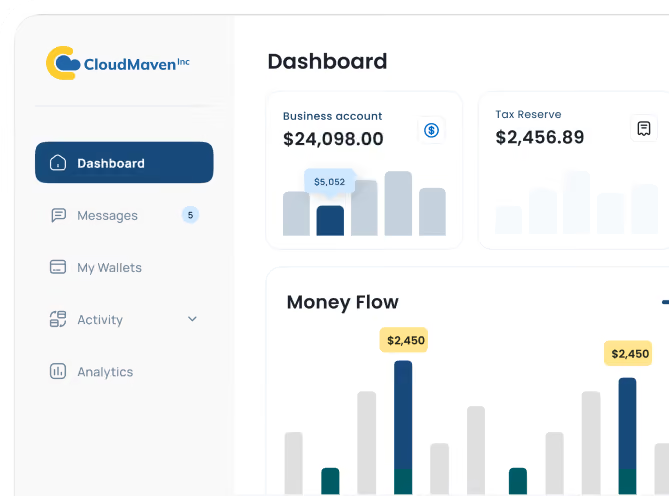
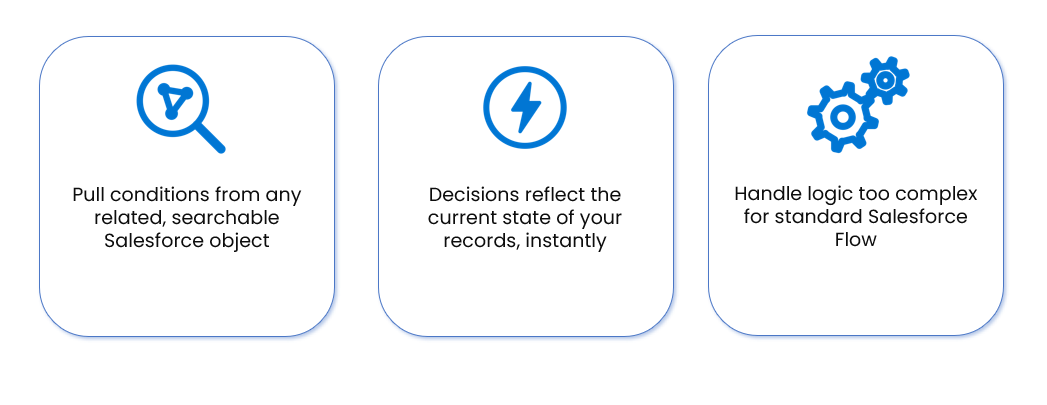
The engine takes your most complicated rules and runs them quietly in the background, turning raw Salesforce data into clear, consistent outcomes. With real-time checks and flexible conditions, you get fast answers without manual reviews or guesswork. It feels less like “another tool” and more like a smart teammate living inside your org.

A No-Code Point-and-Click Editor Updates Decision Rules Without Developer Dependencies
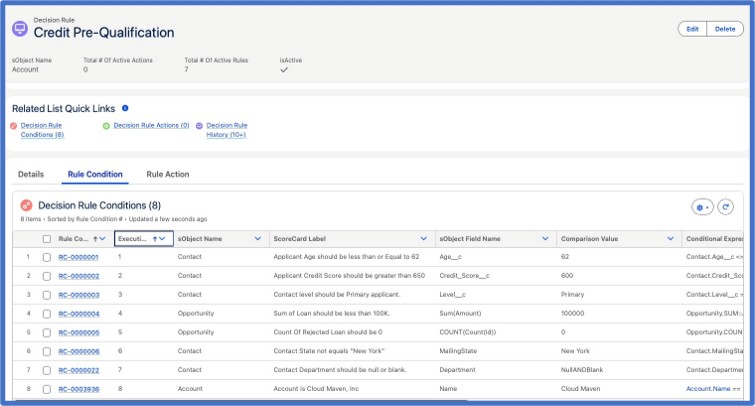
When your policies change, your system shouldn’t drag behind. The Decision Rule Engine lets you tweak logic with a simple, point-and-click builder, no SDLC queue or dev handoff required. Drag conditions onto a visual canvas to set threshold values, layer AND/OR Boolean logic, assign scoring weights, and pull in model inputs, all without code. You stay in control of the process and ship changes the same day, not the next release cycle.
Decision Rule Engine Plugs Into Flow, Apex, and Process Builder Without Rebuilding Automation
Instead of replacing what you have, the engine plugs straight into your existing setup. You can call it from Flow, Process Builder, or Apex, and let it drive actions like updates, emails, or tasks. For example, trigger a credit decision from a Flow when a loan application hits stage 2, then route the outcome straight to the right approval queue. Decisions can fire instantly on record changes or on a schedule, depending on how you like to run your Salesforce automation.
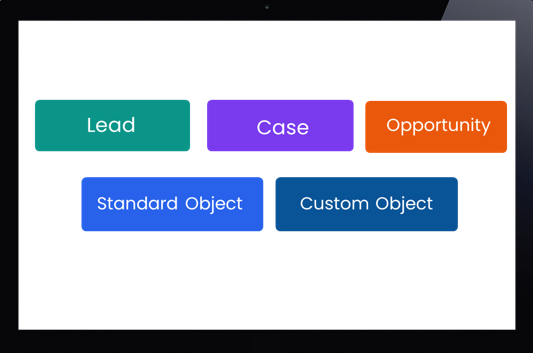
All Decisions Stay Inside Salesforce With Full Audit Trails and Compliance Controls
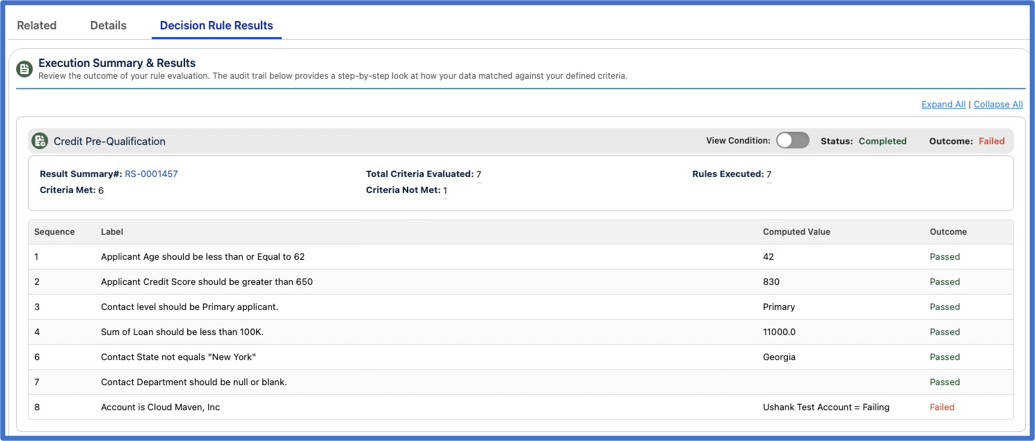
Every decision happens inside Salesforce, so sensitive data never leaves your trusted stack. You also get full visibility into what ran, when, and why, plus alerts when something doesn’t behave as expected. Each entry captures the rule that fired, the input values it evaluated, the output decision, a timestamp, and the user or trigger that set it off, so reconstructing any single decision takes seconds, not a support ticket. That makes life easier for admins, auditors, and anyone who has ever had to explain a decision to a regulator or customer.
Decision Rule Engine Handles High-Volume Credit and Risk Decisions With Configurable Scoring Models
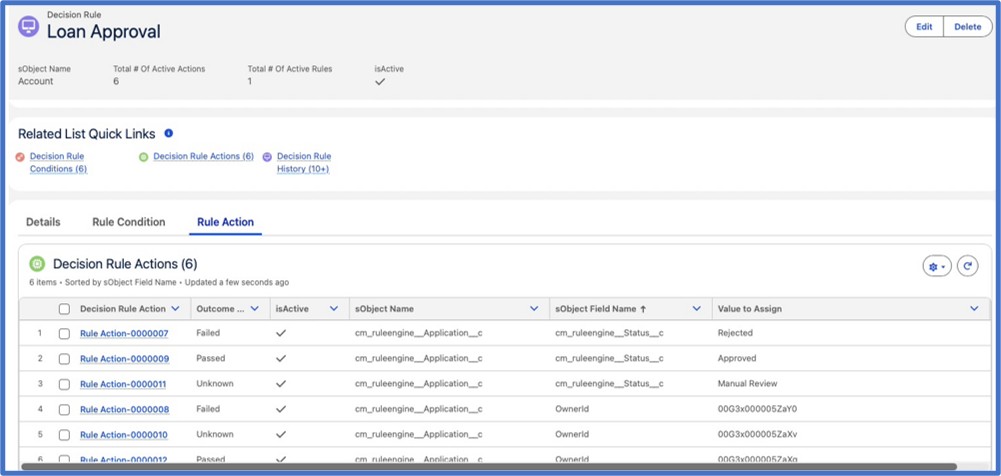
Whether you are screening tenants, scoring leads, or approving loans, the engine is built to handle heavy workloads without slowing down. It scales with your data and business complexity, making it a solid fit for risk and credit workflows that can’t afford delays or mistakes.
How Decision Rule Engine Cuts Manual Steps, Speeds Decisions, and Reduces Error Rates
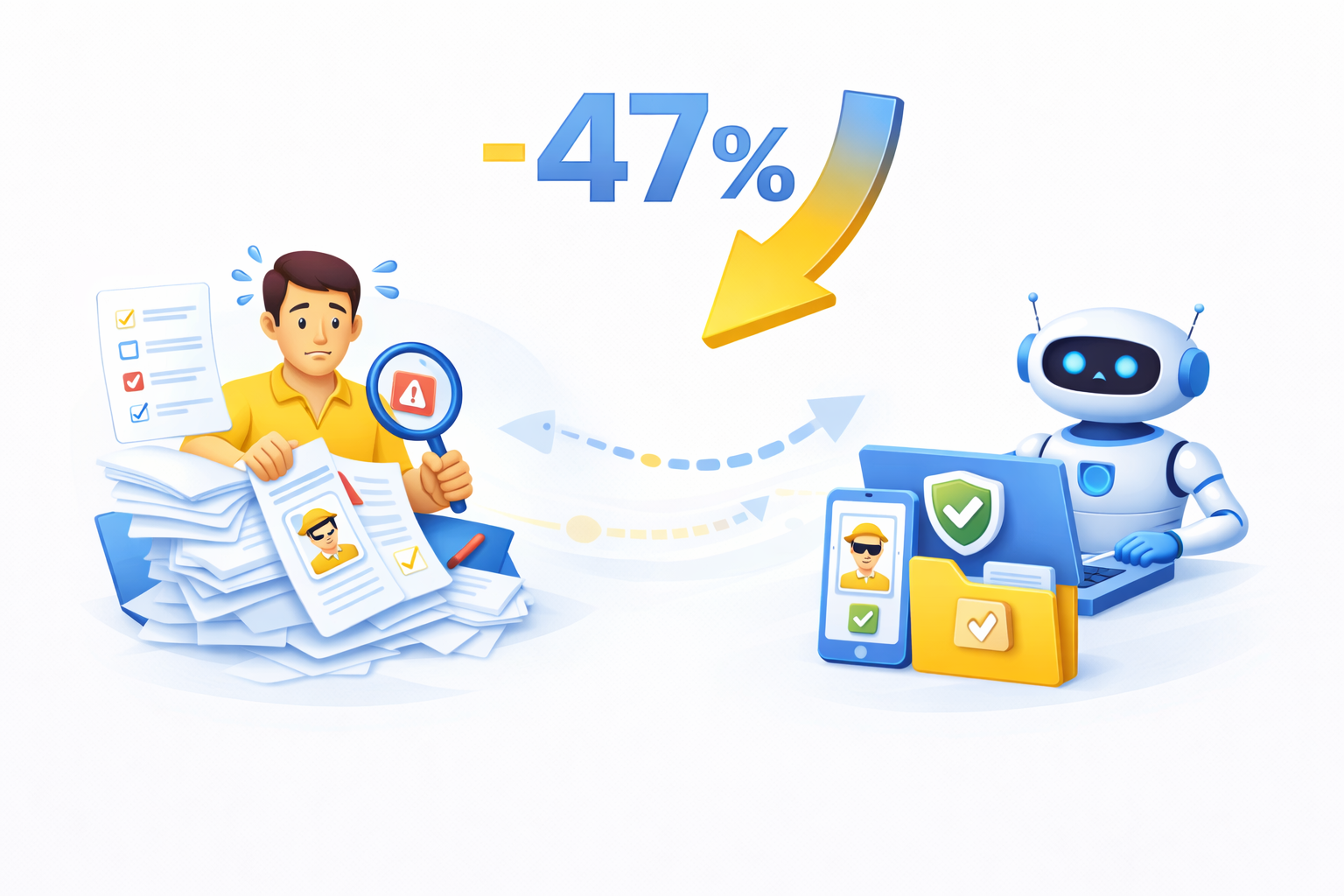
47% fewer manual decision steps
Based on average results across our customer implementations, teams using our engine cut down nearly half of manual review steps in their workflows, freeing you to focus on strategy, not micromanagement.

39% faster decision-time per transaction
Compared to prior manual workflows, decisions that used to take minutes are now handled in seconds, making your sales, credit or approval workflows move at real-time speed.
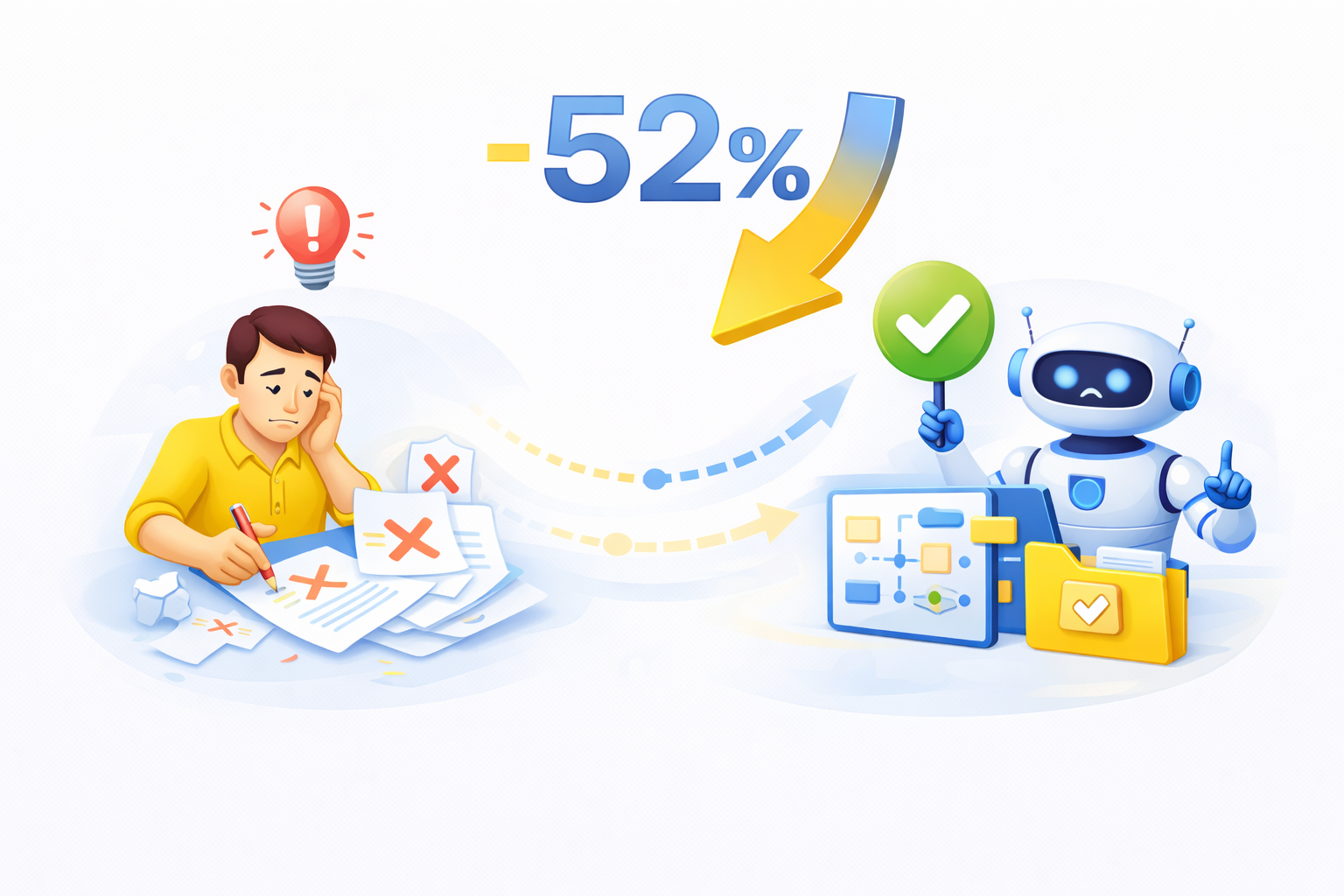
52% reduction in human error rates
By automating logic and using consistent rules, many clients see error rates drop by over half, based on customer reported outcomes, leading to fewer reworks and happier customers.
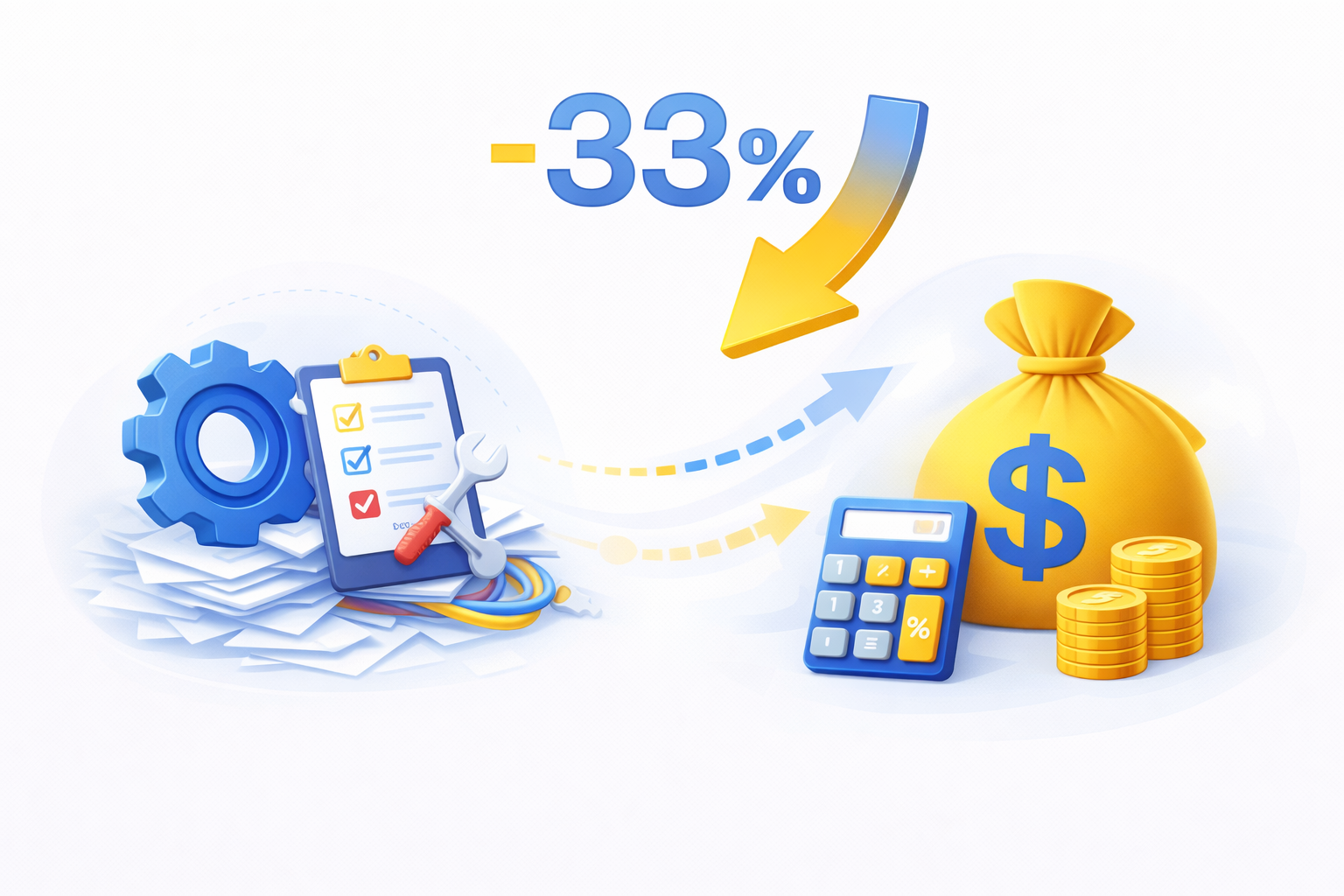
33% lower total cost of ownership
Based on customer data across implementations, with no heavy engineering updates, fewer manual interventions and simpler maintenance, businesses often see a third less cost over the solution’s lifecycle.
Why Credit, Risk, and Operations Teams Choose the Decision Rule Engine for AI Decisioning


Cuts Down Costs Without Cutting Corners
Automating decisions with Salesforce automation helps reduce manual work, lower operational costs, and keep accuracy high, so you get more done without extra effort.

Fits Perfectly Into Your Salesforce Setup
The engine works smoothly with existing Salesforce automation tools, so you don’t have to rebuild workflows or rethink your entire system to level up automation.

Keeps Every Team Aligned and Consistent
Once your AI decision-making rules are set, every department follows the same logic, preventing conflicting outcomes and keeping your Salesforce workflow predictable.

Built to Scale With Every New Demand
Whether you process hundreds or thousands of decisions, the platform handles growth easily, keeping your automation in Salesforce fast, stable, and reliable.

Set Up in Hours, Not Weeks
You can launch powerful AI decisioning fast without heavy setup. Most teams configure rules quickly and start running automated logic the same day.

Ideal for Credit, Risk, and High-Stakes Decisions
With a reliable credit decision engine and flexible credit rules engine logic, you can handle complex approvals and risk checks confidently and consistently inside Salesforce.

Frequently Asked Questions
Can I still use my existing Salesforce tools like Flow or Apex, while also using this engine?
Yes. The Decision Rule Engine was created to add to your current automation, not replace it. The engine can be used by itself; however, you can also trigger the engine from your existing automation tools, including Flow, Process Builder, or Apex, and have the engine return its results to your existing Salesforce automation tools, helping improve what you currently do.
How does this compare to the standard Flow and workflow rules in Salesforce?
In general, traditional workflow rules in Salesforce allow only for relatively simple conditional changes to fields and only for single step automation. The Decision Rule Engine is much more powerful than this, allowing for multi-object evaluations, chained logic, and even AI to be used to support intelligent credit approvals, eligibility scores, and risk classifications in real time.
Does any data leave Salesforce during processing?
No. All processing of decisions is completed solely within Salesforce, therefore all customer and financial data will remain secure in the company's CRM system at all times. This allows for complete data security and compliance with the company's IT Risk Management Policies, Governance Requirements, and Regulatory Compliance.
How long does it take to get a decision after a rule is activated?
Decisions made by the Decision Rule Engine are made in real-time, typically in under a millisecond after the conditions for the rule have been met. This makes the Decision Rule Engine particularly useful for applications where there are short windows of opportunity to make decisions such as loan approvals, tenant risk assessments, onboarding verifications, and automated pricing eligibility.
Can business/operations users create, test and update their own rules without requiring technical knowledge?
Yes. The Decision Rule Engine uses a visual, drag-and-drop interface to develop, test and update decision rules, which means that non-technical employees can create and manage their own decision rules without requiring the assistance of a developer or going through a Software Development Life Cycle (SDLC).
Can decision rule engine be integrated with the user’s existing Salesforce workflows and automation tools?
Yes. The Decision Rule Engine can act as both a trigger and a responder. When the engine creates a decision, it can send that decision as an action back into the user’s current approval flows, notification queues, APIs, etc. and enhance the user’s current automation tools rather than replace them.
What happens if two rules conflict or produce overlapping outcomes?
The engine provides options for managing the order of rules, establishing a hierarchy of rules, and resolving conflicts between rules. Additionally, the engine can automatically identify situations that require human intervention such as when a high-risk financial decision is to be made, and then send those decisions directly to an approver or specific review queue.
Learn. Build. Grow.
August 24, 2026
August 17, 2026
August 10, 2026